CoMBI_Resize_2x_Scale
2026.1.19 experimental
Preparation
- 連続画像入りのフォルダ
- スケール画像2枚 連続撮影の前と後
Procedure
- First window. Just click OK.
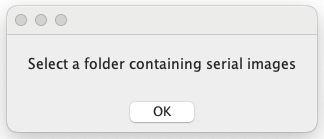
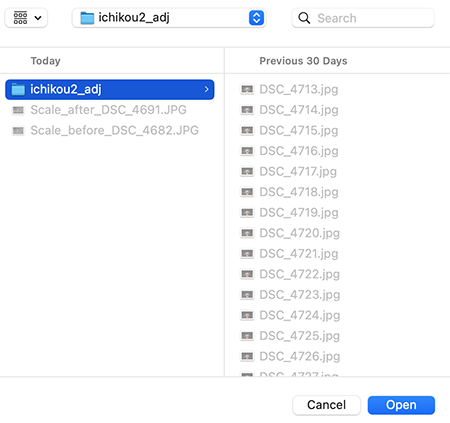
- Select a folder containing serial images.
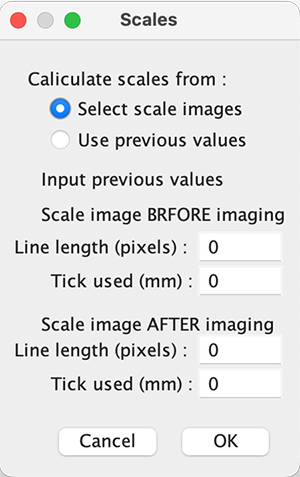
- Dafault: select scale images taken before and after imaging.
- Message. Just click OK.
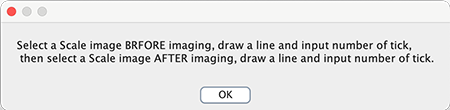
- Select a scale image taken BEFORE imaging.
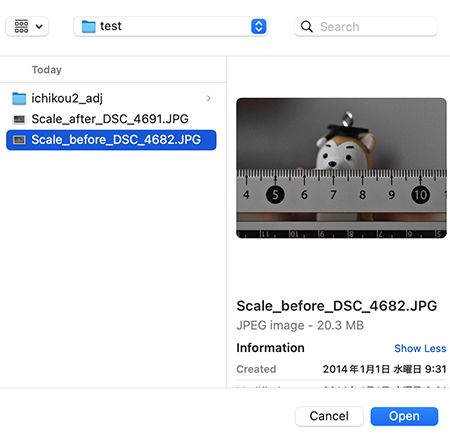
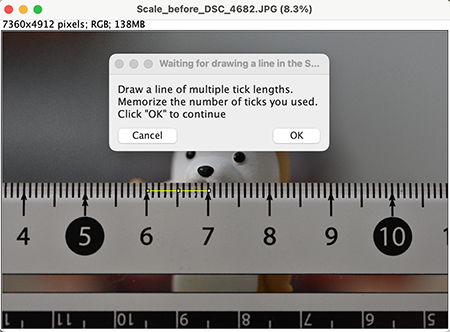
- FIRST! Draw a line, THEN, click OK. 【注意】最初に線を引いてから、OKボタンです。
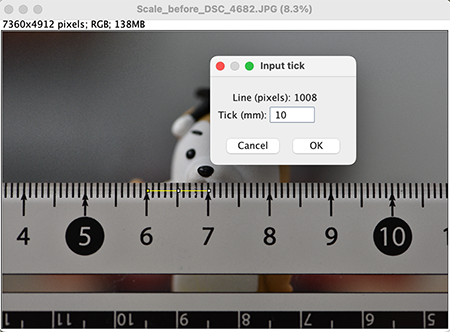
- Input a number of ticks used for drawing a line.
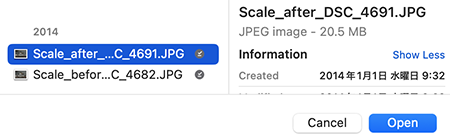
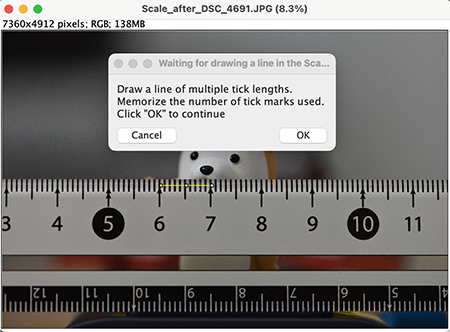
- Select a scale image taken AFTER imaging.
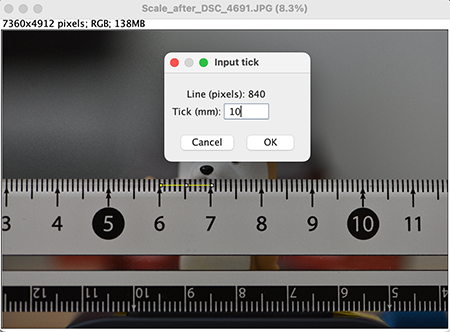
- FIRST! Draw a line, THEN, click OK. 【注意】最初に線を引いてから、OKボタンです。
- Input a number of ticks used for drawing a line.
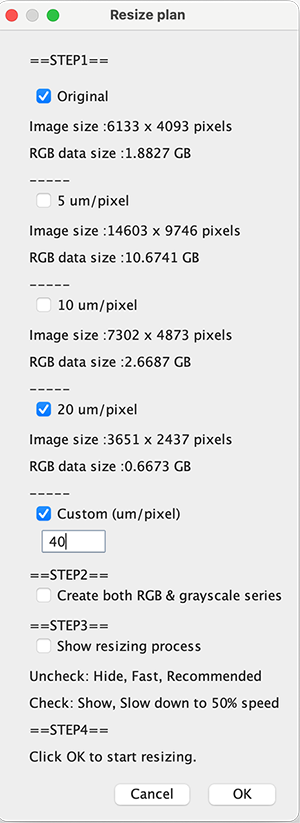
- Resizing plan. The size of resultant resized image should be smaller than that of original series. オリジナルよりもサイズが小さくなるように計画する。 OKを押すと、待ち時間。縮小画像を収めるフォルダは自動生成される。
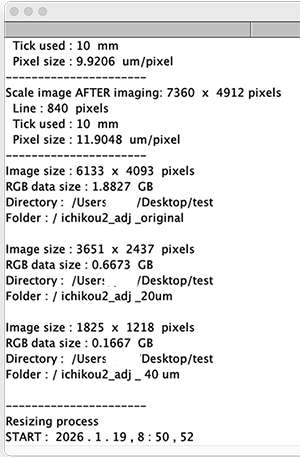
- 作業記録はテキストファイルとして自動保存される
(以上)